I criticized TradingView for four major limitations — and even Alex David, the director of NinjaTrader, agrees with me:
If you don’t understand these four drawbacks, you could end up wasting thousands of dollars hiring someone to code your bots or indicators.
So, what are the four limitations of TradingView?
Let’s take a look. 👇

First of all, a big thanks to David for taking the initiative to call and discuss potential collaboration with a professional coding team.
During our conversation, I mentioned four key limitations of TradingView that anyone planning to spend money hiring a coder absolutely needs to be aware of:
#1 THE FIRST LIMITATION: EXTREMELY WEAK PERFORMANCE
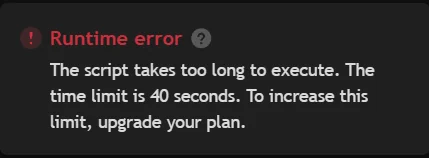
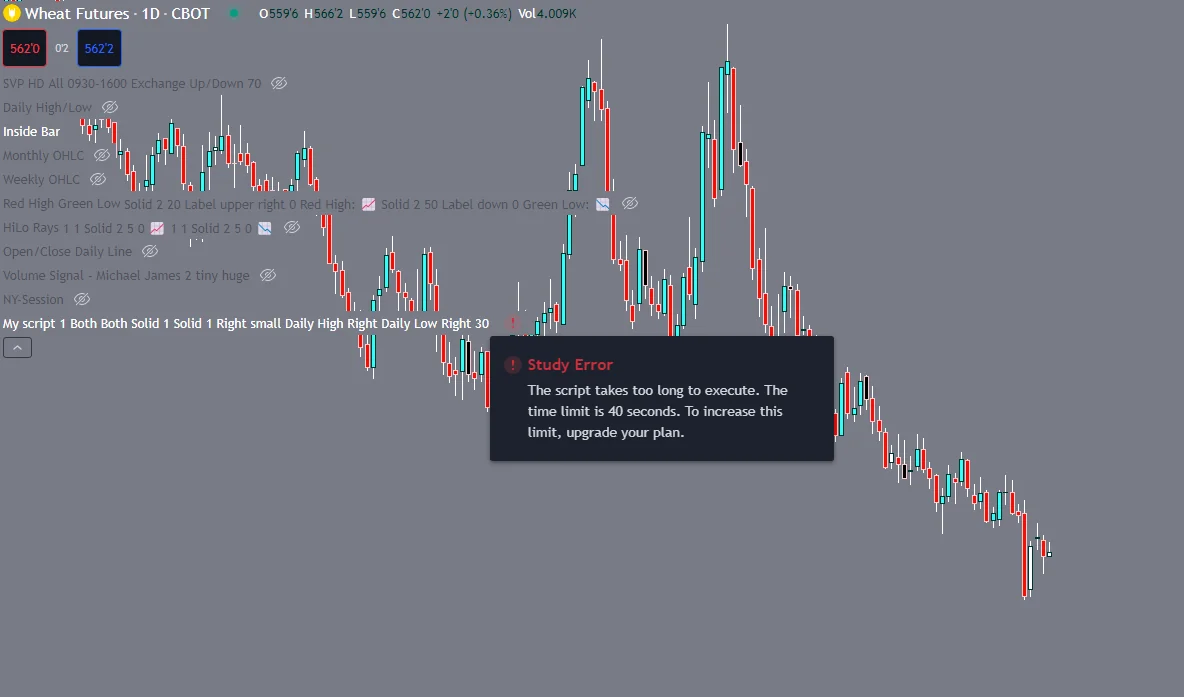
More specifically, once your script exceeds 2,000 lines of code, the indicator or bot either fails to load or takes an unreasonably long time — sometimes 1 to 3 minutes — to process.
Now imagine running an automated strategy with dozens of active orders — that kind of delay could cause massive slippage and throw your whole system off.
The root cause lies in the fact that TradingView is a web-based platform, meaning its data retrieval and storage capabilities are naturally weaker than desktop-installed software.
But what’s truly annoying is this: the 40-second execution limit is something TradingView imposes deliberately — and you have to pay more just to increase that limit.
Something smells a little fishy here… 🐟
#2 The second limitation: the strict limit on how many visual elements (drawings) you can render through code.
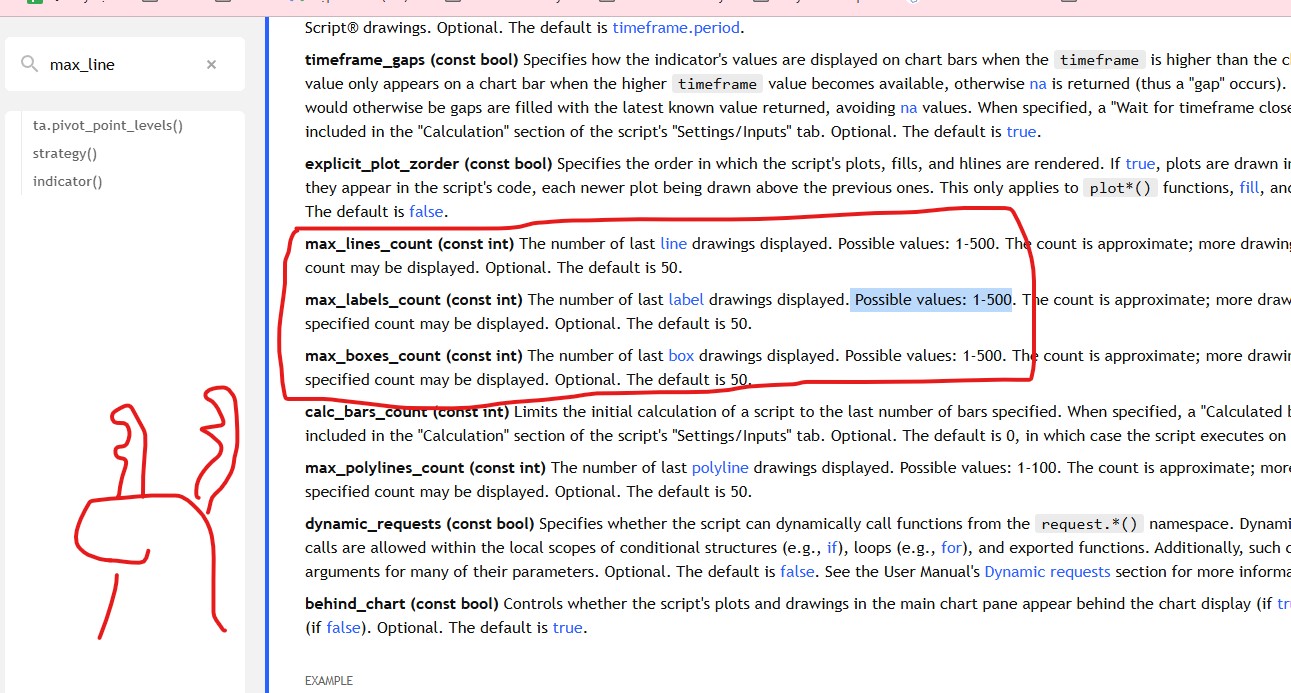
The number of visual elements such as boxes, zones, lines, and labels is limited to just 500.
This means any indicator or bot with complex drawings or zone mapping can’t properly visualize data far back in history — it simply runs out of available drawing slots.
You could argue this limitation exists because web platforms have weaker memory and rendering capacity compared to local software.
But looking at it from a more capitalist angle, this restriction conveniently forces you to use the Replay Mode for historical backtesting — and, of course, Replay Mode is a paid feature. 💸
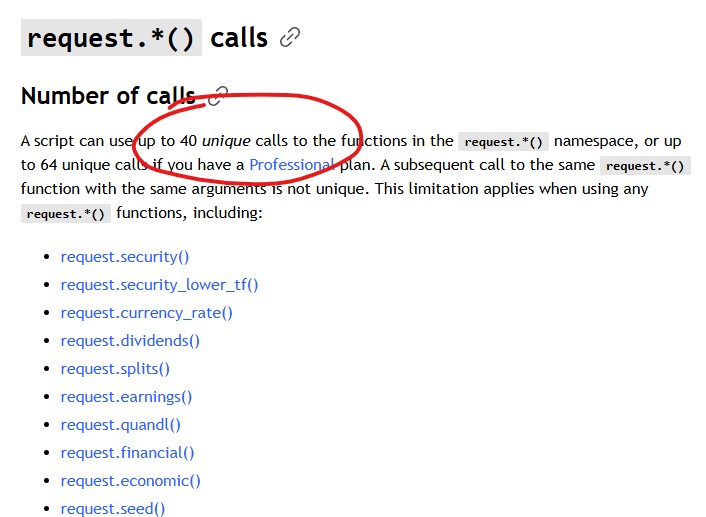
#3 The third limitation: a strict cap on the number of calculations per script.
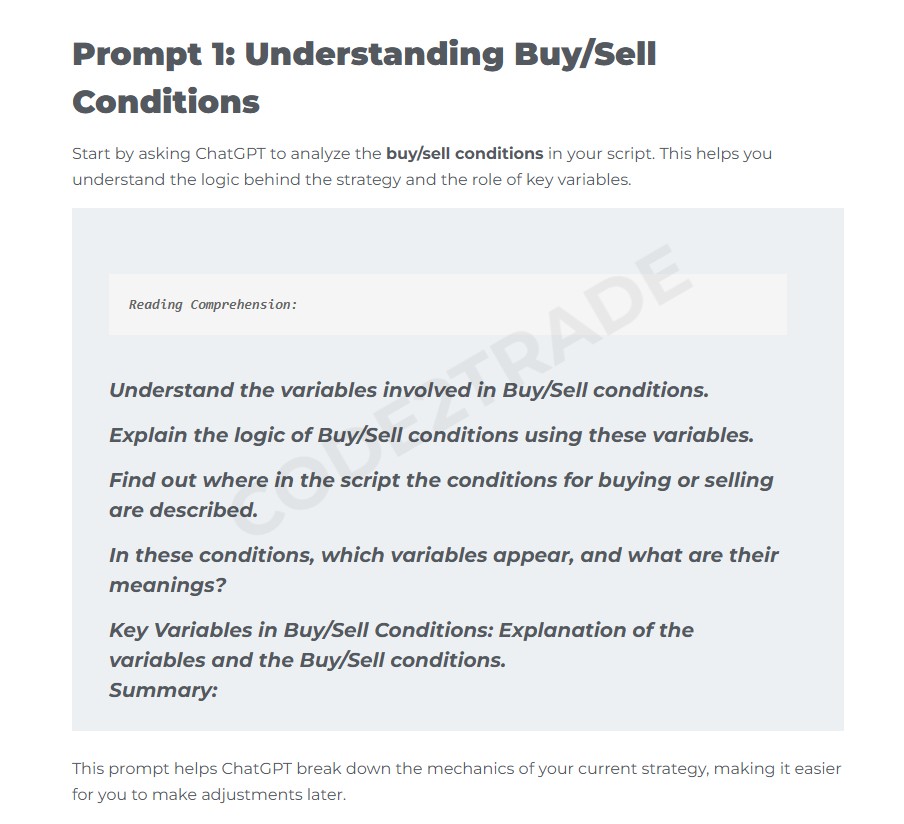
ChatGPT said:
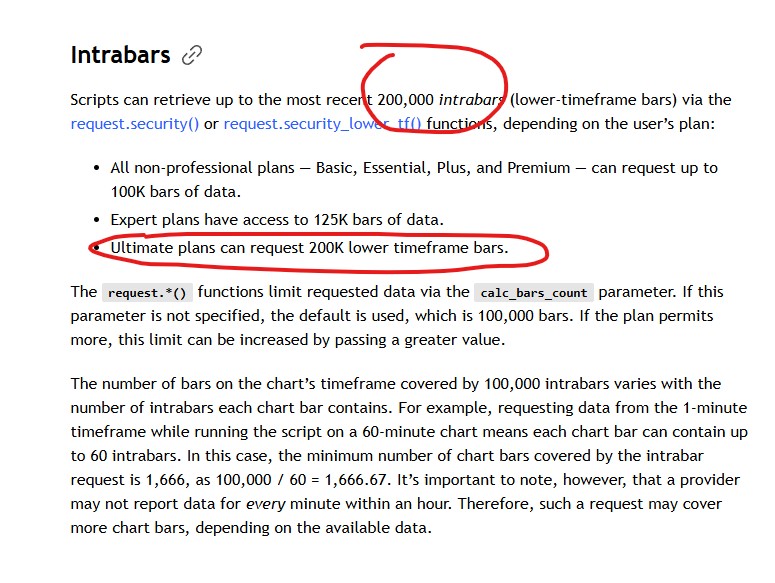
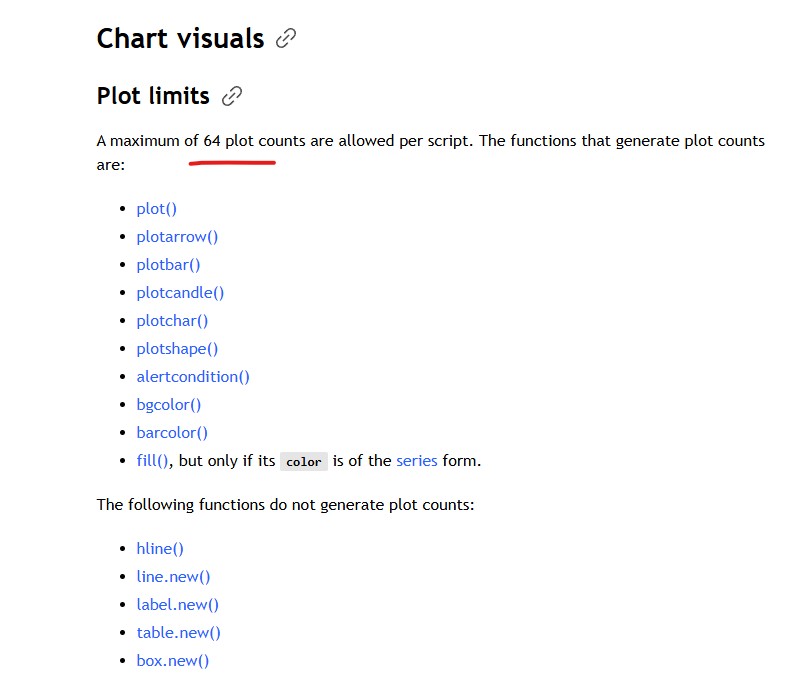
You can only perform calculations for up to 64 output variables, and the security() function (used to fetch multi-timeframe or multi-symbol data) is limited to just 40 calls.
This seriously restricts your ability to analyze cross-pair relationships or measure the strength of one currency pair based on correlated pairs.
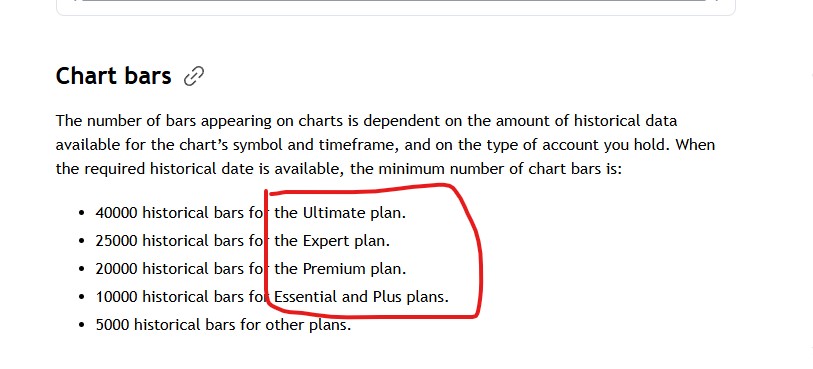
On top of that, there are also limits on the number of historical bars and the amount of lower-timeframe data you can access.
And yet — despite all these constraints —
every single limit magically disappears if you pay for a higher-tier plan. 💰
#4 The fourth limitation: No direct broker integration for live order execution.

And the final limitation is that TradingView cannot connect directly to brokers for live order execution.
You have to rely on webhooks and alerts to send entry, take-profit, and stop-loss signals — a setup that’s clunky and inefficient.
This adds an extra layer of delay, especially if your internet connection is unstable or if TradingView’s processing time lags.
Custom order management — such as trailing stop-losses or partial take-profits — also becomes extremely difficult when using webhooks instead of a direct API connection to the broker.
Because of these limitations, I can confidently say that if your goal is to build a fully automated 24/7 money-making machine, TradingView is not the right platform for it.
However — should you ditch it completely and start coding directly on MetaTrader, NinjaTrader, or FireAnts?
Absolutely not. That’s a quick way to waste a lot of money.
WHY IS THAT? 👇

First — it’s extremely easy to use, both in terms of interface and coding.
TradingView’s Pine Script is basically elementary-school level programming — even a high school student could use AI to build indicators on TradingView if properly trained.
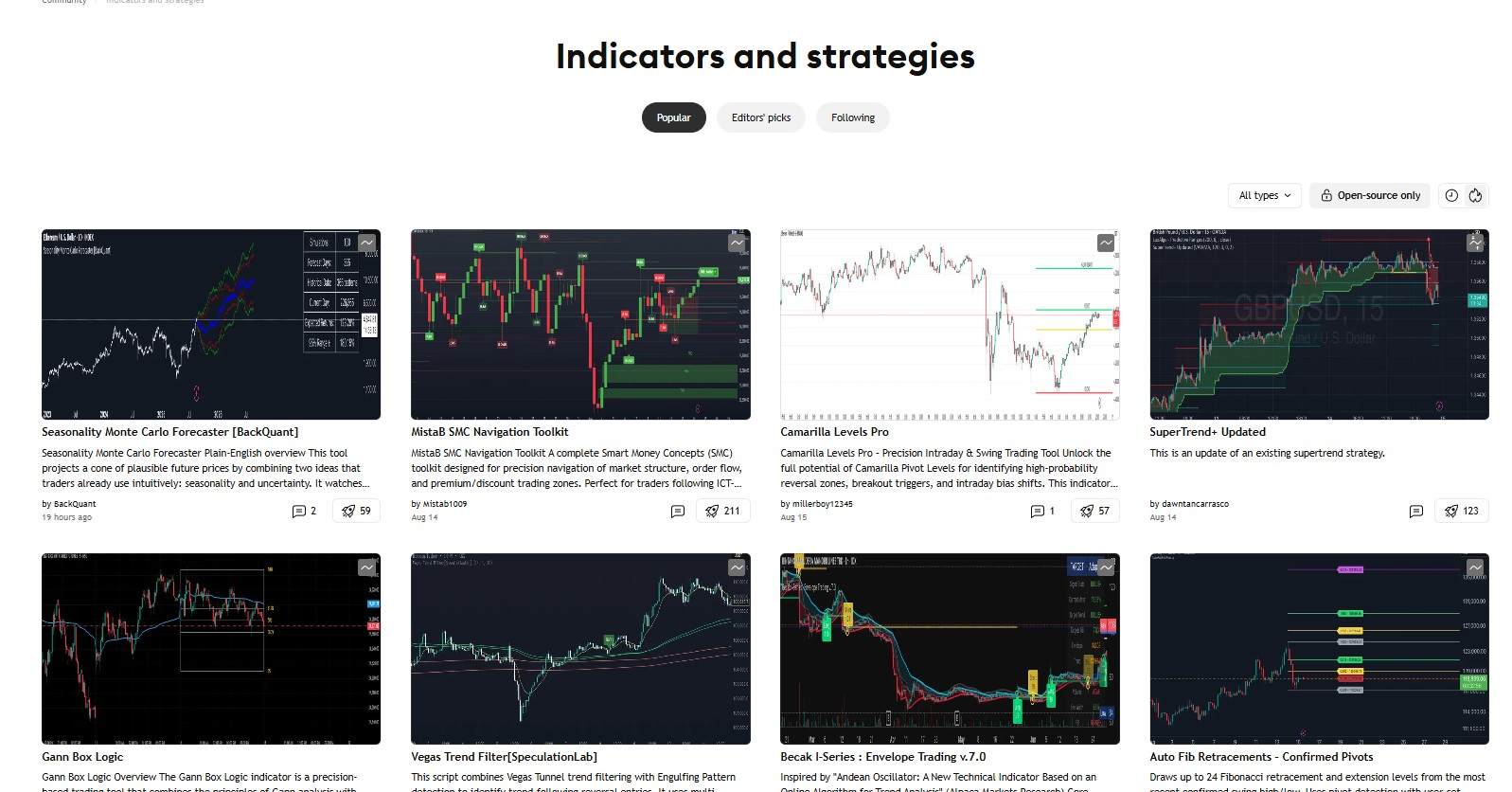
Second — TradingView has a massive public library of community-made indicators and trading bots.
That makes it an incredible resource base for AI-assisted coding.
Building on an existing foundation is always easier (and cheaper) than starting completely from scratch.
Because of these two strengths, hiring a coder on TradingView costs only about one-third of what it would on MT5.
💡 BONUS: 2 Tips to Hire Coding Services for Cheaper
Tip #1:
Start from your own method — then search for indicators (or ask your coder) that are closely related to your approach.
Sometimes you’ll even find existing indicators that already fit your method — saving you the full cost of a new build.
Even if you only find something that covers 60–70% of your idea, that means you only need to pay for the remaining 20–30% to be customized instead of coding from zero.
Or, you can simply let AI do it for you → [Zero2Hero], where you learn to command AI to build your own tool.
Tip #2:
Always code the indicator first, then test it manually —
tweak it, optimize it, and once it’s stable and performs well, convert it into a bot later.
This avoids wasting money coding a full bot that ends up not working as intended.
🧭 Recommended Workflow
Describe your method clearly.
Find an existing or similar indicator.
Code it on TradingView.
Test manually.
Optimize it on TradingView.
Convert to MetaTrader.
Optimize again on MetaTrader.
So even though TradingView has its limitations, you can still apply these two cost-saving strategies before spending $1,000–$2,000 on custom bot coding for MetaTrader 4 or 5.