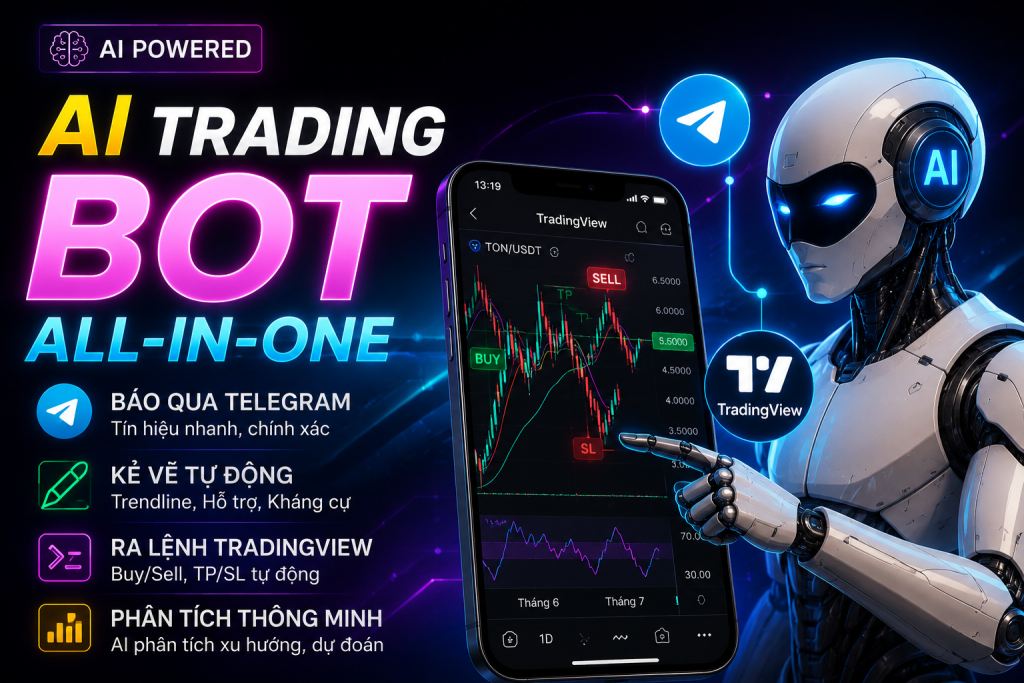
TradingView × Telegram × AI — 24/7 chart-analysis bot
Bot watches charts for you · Sends signals via Telegram · You Approve / Skip · Automatic Trade Journal · Hot-reload strategy
What does the bot do? — A 4-party protocol
Instead of watching charts all day, the bot monitors them 24/7. When a signal matches your strategy, it sends a Telegram notification with a chart screenshot and two buttons: ✅ Take trade / ⏭️ Skip. You decide from your phone. The Trade Journal records everything automatically.
TradingView Desktop
The chart and price source. The bot connects via CDP, reads real OHLCV, draws overlays on entry.
AI (Claude / Gemini / GPT)
Analyzes the chart against your written strategy. Returns signal, entry, SL, TP and reasoning.
Telegram Bot
Two-way control channel. Receive signal + chart image, press Approve/Skip from your phone.
You (User)
Write the strategy, approve trades, view reports. The bot asks — you decide. AI never auto-trades alone.
3 operating modes — pick your level of control
Configure in Strategy Description/settings.yaml, change anytime:
📣 Notify only
Bot detects a signal → sends a Telegram notification. Nothing else. You decide and place the trade manually.
🤝 Ask before entering
Bot sends signal + two buttons ✅ Take trade / ⏭️ Skip. Waits 30 minutes for your approval, otherwise auto-skips.
⚡ Fully automatic
Bot detects a signal → draws the overlay on TradingView and logs the Journal immediately. No prompt. Use when you trust the strategy.
What does a Telegram notification look like?
When the bot detects a signal (mode half), you receive:
volume rising, breakout above 61,000 resistance.
Press ✅ Take trade → the bot draws a long_position overlay on TradingView, screenshots the result, logs to the Trade Journal. Press ⏭️ Skip → logs to skipped/ with a reason. No press within 30 minutes → auto-expires, logs expired_ttl.
4 first-time setup steps (~10 minutes)
Prerequisites — 3 things to have first
- Claude Desktop installed (claude.ai/download) + a Pro/Team account
- TradingView Desktop installed (tradingview.com/desktop)
- Telegram and your Telegram account
You also need an API key from one of 3 AI providers: Gemini (free 1500 req/day), Claude (paid) or GPT (paid). Gemini is great for first-time testing.
Run 1_SETUP_chay_mot_lan.bat
Double-click the .bat file. The script auto-installs Node.js, the MCP Bridge, and watcher dependencies. Then it opens a 4-step wizard popup:
- Popup 1: Walks you through creating a Telegram Bot via @BotFather → paste token
- Popup 2: Guides you to message /start to the bot → auto-detects your Chat ID
- Popup 3: Choose AI provider (Gemini / Claude / GPT)
- Popup 4: Opens the API key page → paste key → verifies immediately
Write your strategy
Open Strategy Description/strategy.md and describe your entry rules in plain language.
Simple example:
The file is hot-reloaded — edit and Save, and the bot picks up the new strategy on the next tick without a restart. Telegram notifies "🔄 Strategy reloaded".
Daily start with 2_KHOI_DONG_hang_ngay.bat
Double-click this script every time you want the bot running. TradingView + Claude Desktop + Watcher start in the right order.
The bot sends Telegram "🟢 Watcher started" when ready. Heartbeat "💚 alive" every 15 minutes confirms the bot is still alive. Stop the bot: 3_DUNG_WATCHER.bat.
View live logs: 4_XEM_LOG.bat. Check status: 5_TRANG_THAI.bat.
Telegram commands
Type directly to the bot to control and view reports:
Choose your AI provider — 3 options
Switch providers anytime by editing settings.yaml → hot-reload kicks in automatically:
| Provider | Model | Cost (~5m, 1 symbol) | When to use |
|---|---|---|---|
| Gemini | 2.5 Flash | Free 1500 req/day | Testing, getting started, simple strategies |
| OpenAI | gpt-4o mini | ~$3–8/month | You already have an OpenAI account |
| Anthropic | haiku-4-5 | ~$5–12/month | Simple rule-based strategies |
| Anthropic | claude-opus-4-7 | ~$30–40/month | ⭐ Recommended — most accurate chart reading in real-world tests |
Full feature set
📡 Smart tick loop
Polls every N seconds (configurable). Only runs analysis when a new bar closes — no spamming the AI.
🔍 Vision AI chart analysis
AI receives both the last 20 OHLCV bars and a chart screenshot. Combining numbers + image yields more accurate results.
📊 TradingView overlay
On approval, the bot draws a native long_position / short_position box on the chart with entry/SL/TP.
📓 Automatic Trade Journal
Every entered/skipped trade is logged as JSON + entry screenshot. /updateJournal auto-scans for TP/SL hits + captures the exit.
🔄 Hot-reload strategy
Edit strategy.md and Save — the bot picks it up on the next tick via chokidar. No restart.
🛡️ Reliability layer
withRetry (3 attempts, exp backoff), CircuitBreaker when TV is unresponsive, atomic state writes, NSSM auto-restart service.
⚙️ Flexible configuration
Symbol, timeframe, poll interval, AI model, trading hours, risk per trade — all in a single YAML file.
📜 Logs & monitoring
JSONL logs rotate at 50MB × 5 files. 15-minute Telegram heartbeat. 4_XEM_LOG.bat tails live logs.
- Windows 10 / 11 64-bit (machine that runs TradingView Desktop + the background bot)
- Claude Desktop with a Pro / Team account — download at claude.ai/download
- TradingView Desktop — download at tradingview.com/desktop
- Telegram + a Telegram account
- API key from one AI provider — Gemini (free), Claude or OpenAI
- Node.js — not required, the script auto-installs
Download TV Watcher Bot Setup — Code2trade
Includes setup scripts, watcher bot, wizard · Supports Windows 10/11 · Gemini / Claude / OpenAI
⬇ Download — TradingviewTele-Setup.rar.rar file · Free · Updated June 2026